

The Android app
On Google Play. Set up the screen, link a new TV by the code it shows, and see your screen live from anywhere.
DigitalShul Display · Android and web
The app for whoever runs the screen in your shul — the free one included. Change something and the TV follows in moments. Use it on Android, or sign in from any computer at display.digitalshul.com with the same account.

Two Ways In, One Account
On Google Play. Set up the screen, link a new TV by the code it shows, and see your screen live from anywhere.
Everything the Screen Manager does, from a computer: zmanim, panel, logo, carousel and the lists. Import birthdays and yahrzeits from a spreadsheet (CSV), with a template to fill. In English, Spanish, Portuguese and Hebrew.
Inside the App
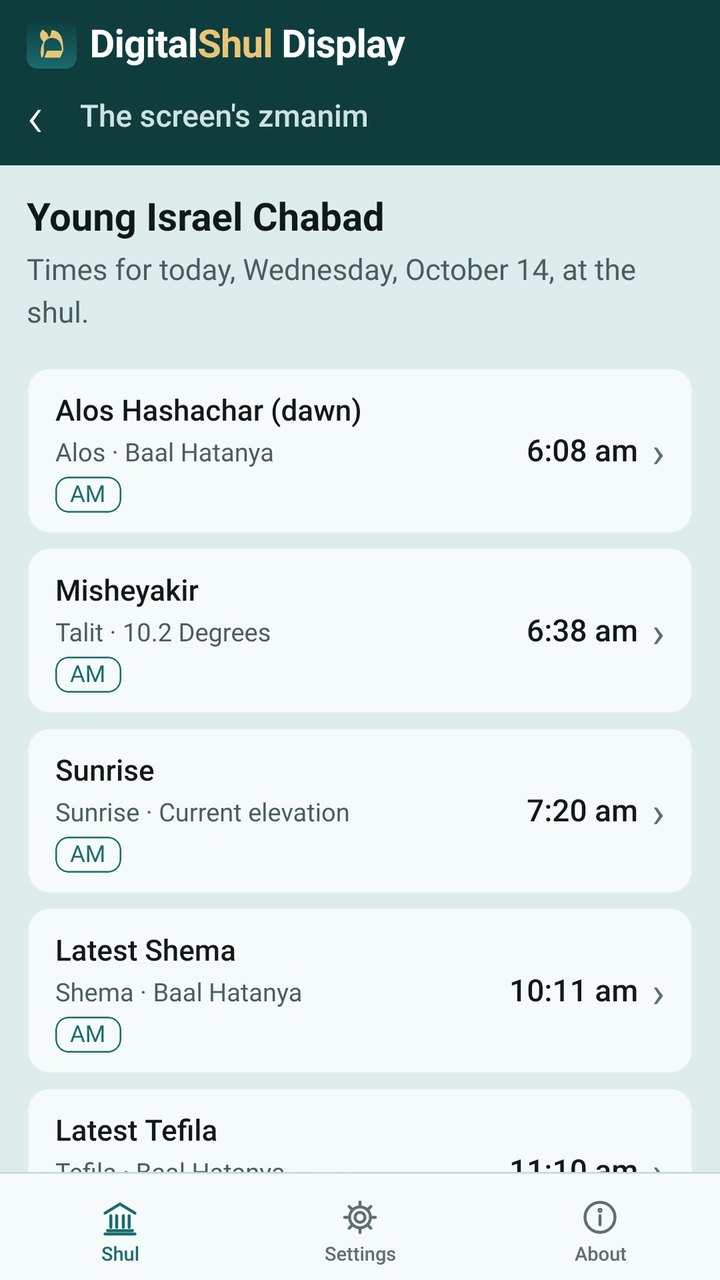
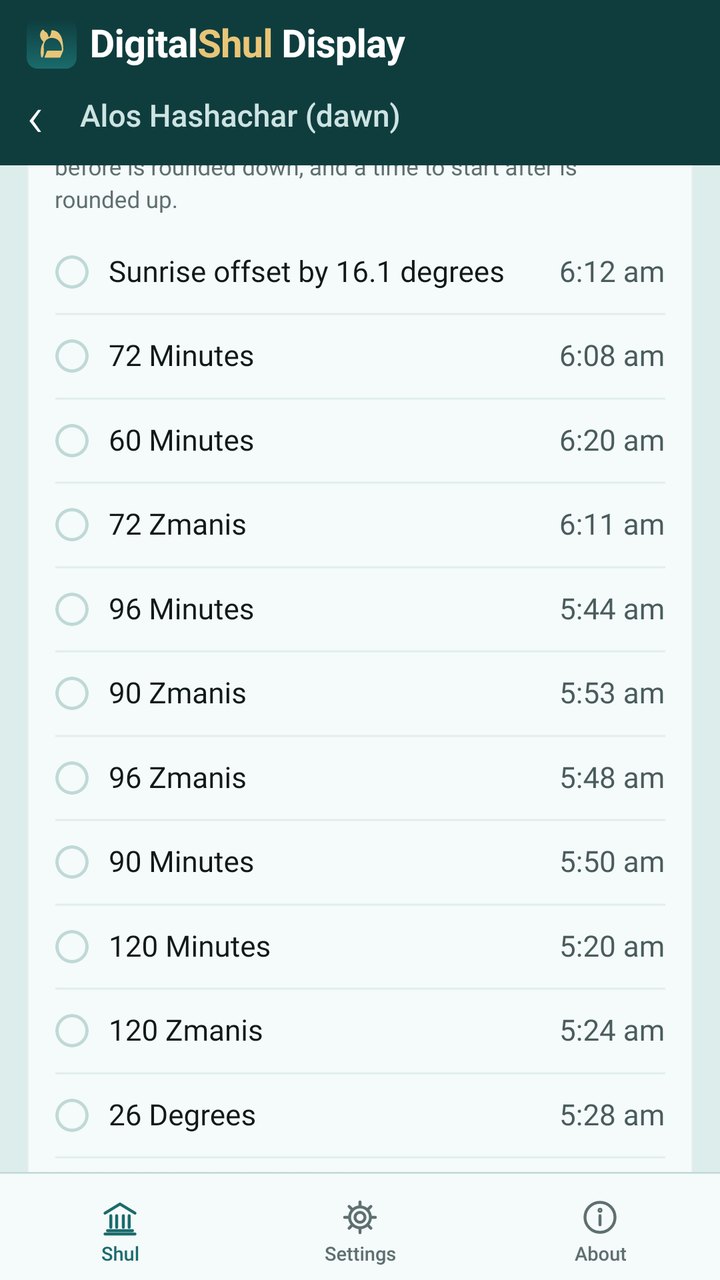
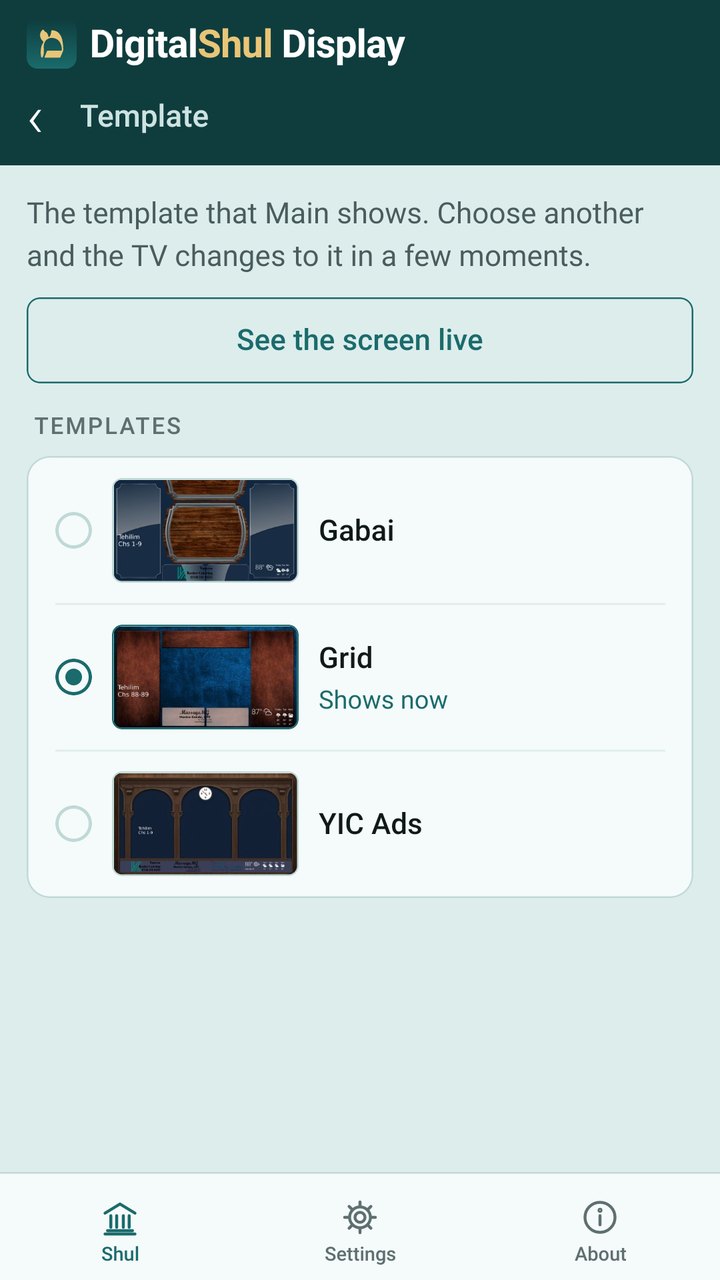
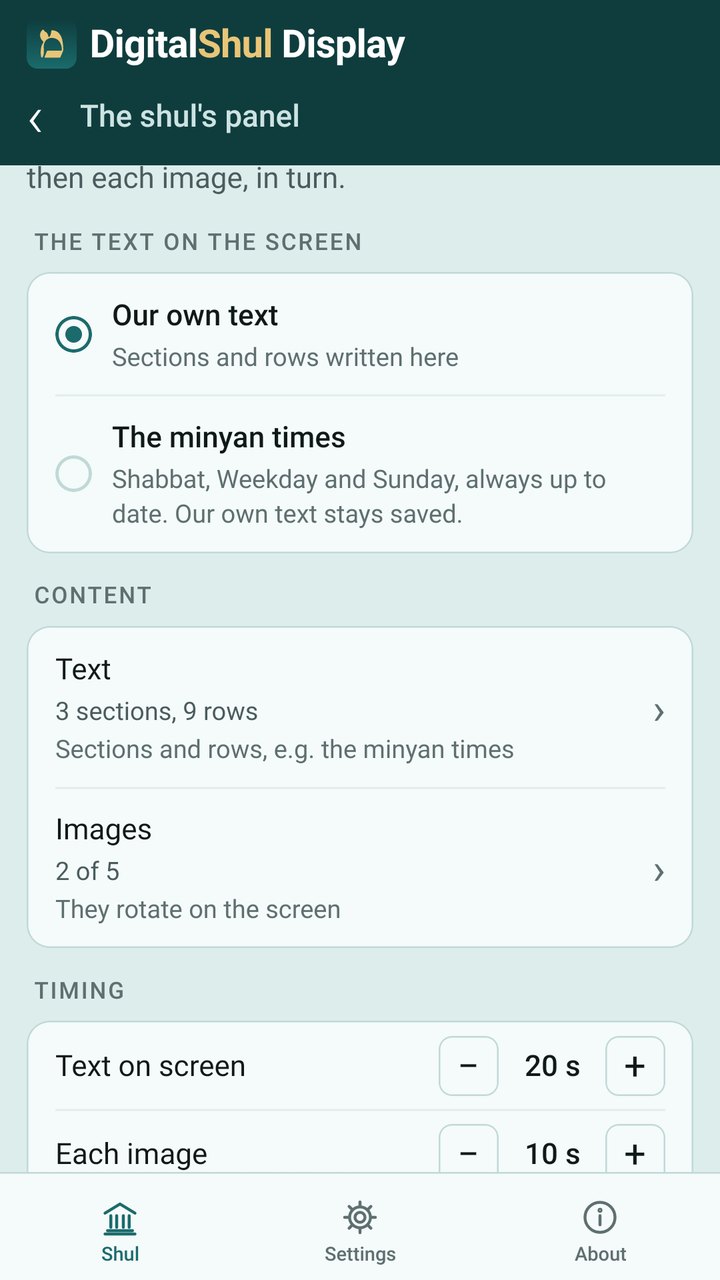
The Setup Box arrives configured. Type the code the TV shows, choose a template, and the screen is yours to run.
The shul’s Screen Managers. Sign in with your DigitalShul account and ask to manage your shul’s screen; DigitalShul approves it. A shul not yet in our directory can be added from the app.
No ads and no tracking. Your account is your email address, and you can delete it from the app at any time. Privacy policy.
What You Can Set
Your tradition — Chabad, GRA, Magen Avraham or Rav Ovadia Yosef — then each zman: its method, its name on the screen, or hidden.
Your own sections and rows, or your minyan times kept up to date by themselves, with up to 5 images.
Your shul’s logo on the screen, with its name underneath.
Today’s zmanim, Hayom Yom, Daily Study, quotes by topic and the Omer: each on or off, with its own seconds.
Your own lists, by Hebrew or Gregorian date, shown for the days you choose. Import them from a spreadsheet.
Choose the screen’s template, and see the TV exactly as it is right now.
Reserve your free screen, or try the live demo first.
Reserve Your Free Screen