
How It Works

The Technology Behind Your Zmanim Display, In Plain English

You don’t need to understand any of this to use DigitalShul. But if your board asks how a screen calculates halachic times on its own, here is exactly what happens.
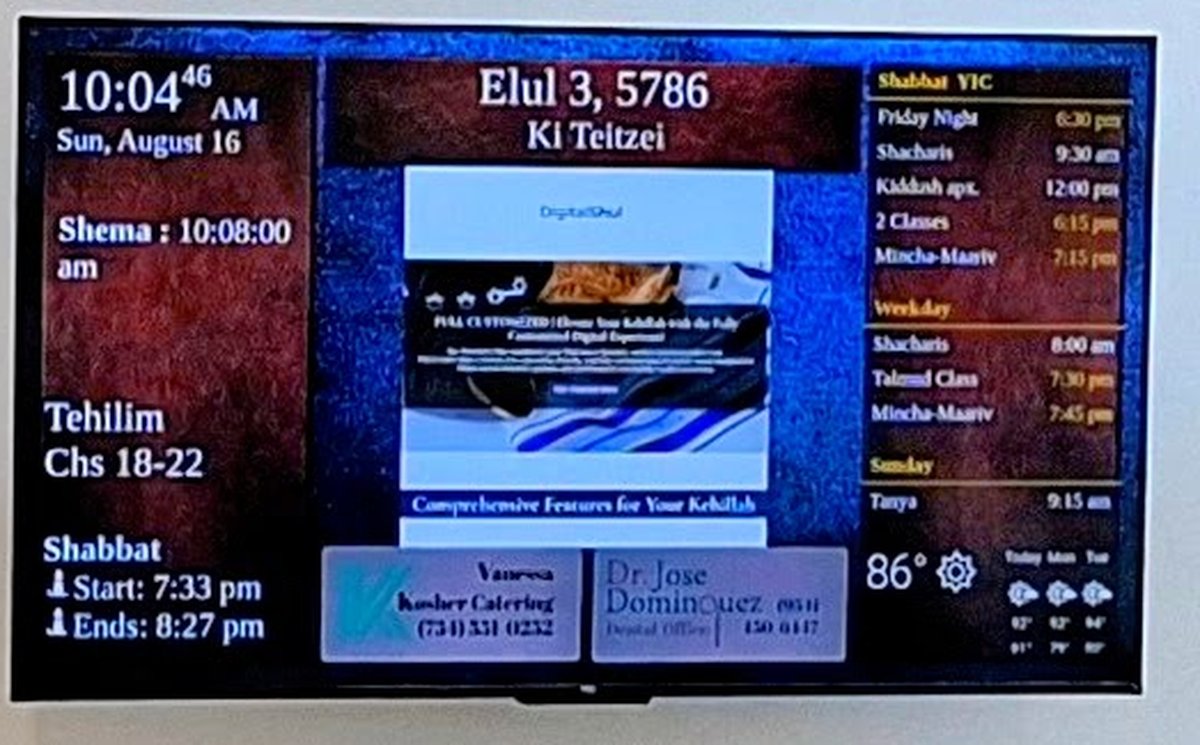
Synagogue digital signage in use: zmanim, Hebrew date, Tehilim, weekly schedule, weather and community advertising
Runs on AWS
Built for 24/7 reliability

In short

A small computer connects your TV to the internet and to DigitalShul’s cloud service. It calculates your shul’s exact halachic times from your geographic coordinates, pulls in your community’s announcements, and refreshes the screen every second — with nobody touching it.

Hardware & Connectivity

What’s actually installed in your shul

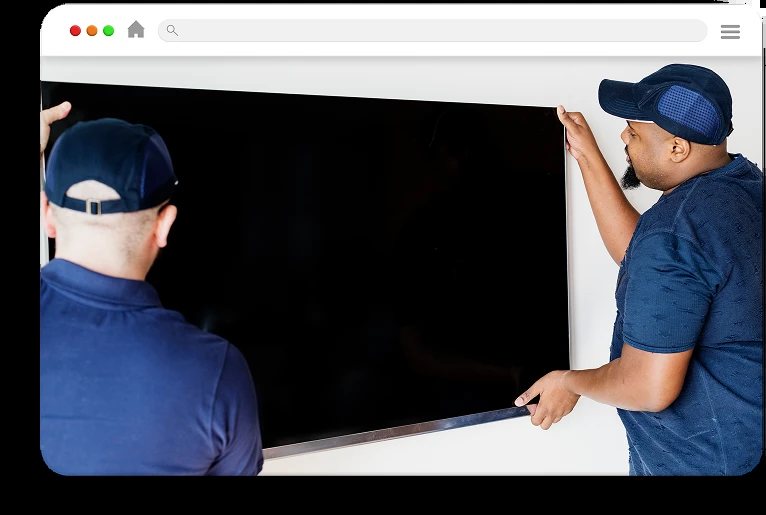
Mounting the TV screen for a synagogue zmanim board

The screen

A professional TV, 55″–70″, mounted where the whole congregation can see it.
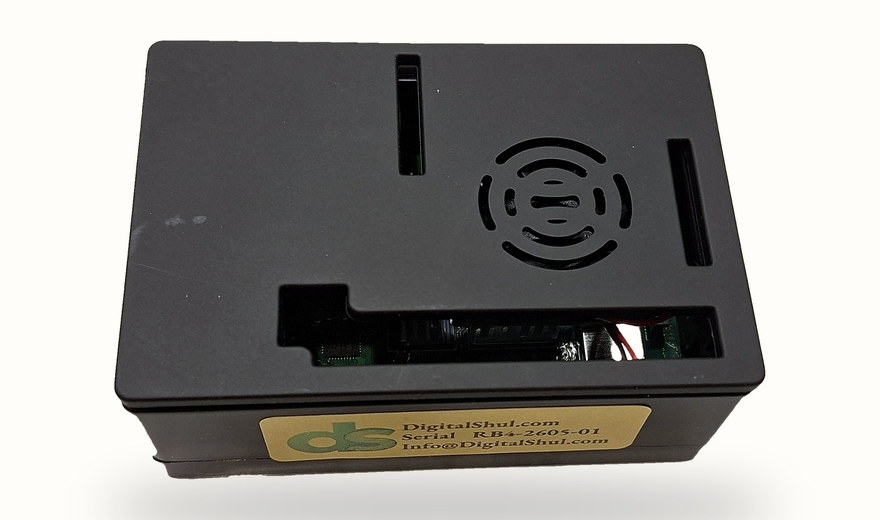
The DigitalShul micro computer that runs the synagogue zmanim display

The micro computer

A compact, fanless computer that sits behind the TV. It arrives configured for your shul.
Wi-Fi router connecting the synagogue display to the internet

Connectivity

Standard power and internet over Wi-Fi or Ethernet, synced every second via HDMI.

The Hardware

What arrives in the box

Three items, configured for your shul before they ship, with a step-by-step guide in the box. Your shul provides the TV and mounts it — everything else is here, and none of it needs an IT person.
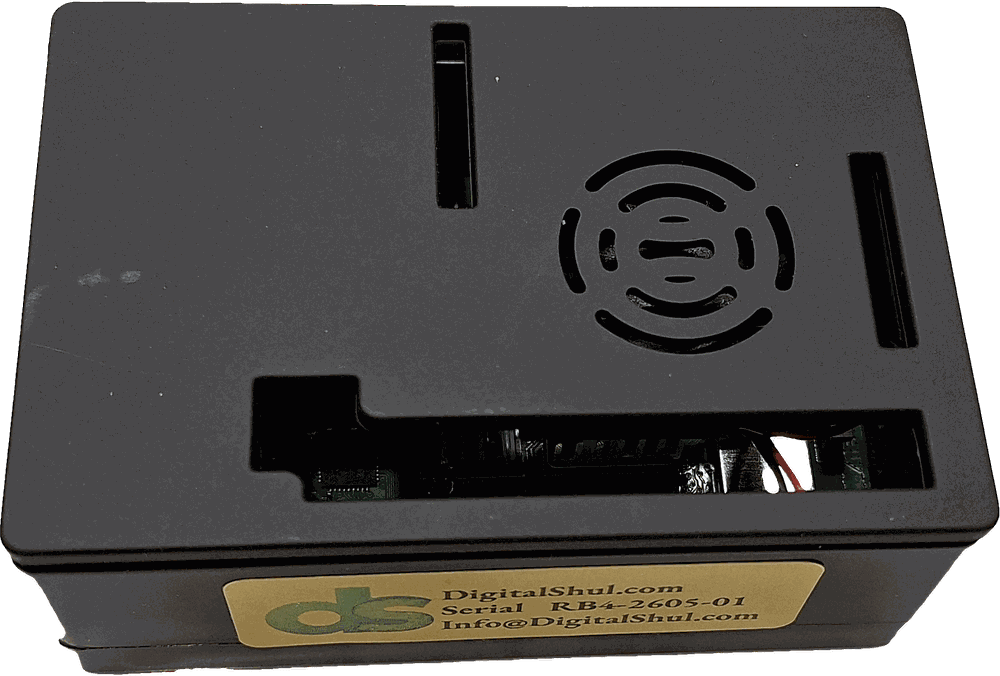
The DigitalShul micro computer in its case, with ventilation and the DigitalShul serial label
The micro computerFanless, silent, and small enough to sit behind the TV or on the bracket.
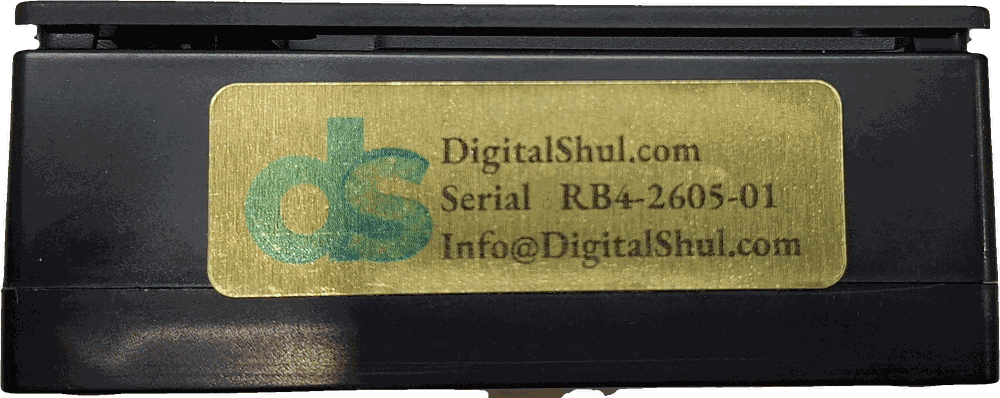
The DigitalShul micro computer showing its gold serial label with the unit's serial number
Its serial labelThe same unit from the front: every one ships tagged with its serial number and our contact details.
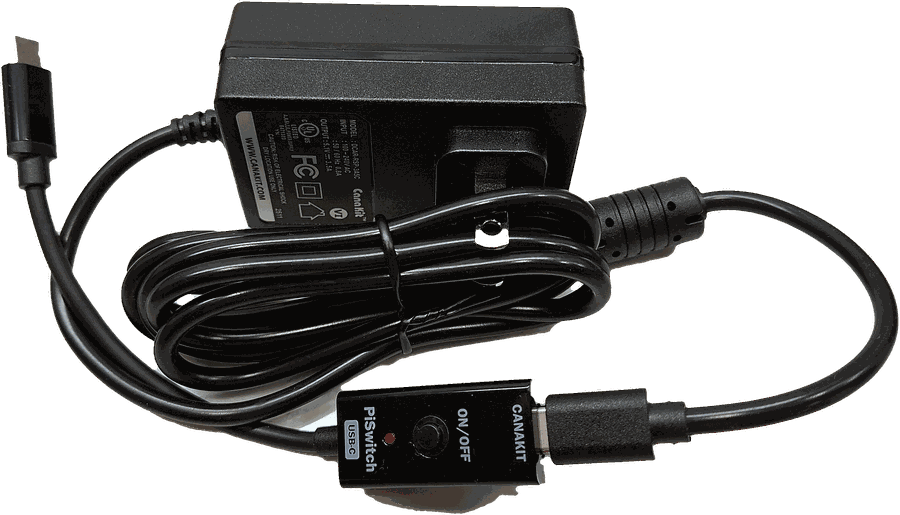
USB-C power supply with an inline on and off switch for the synagogue display
Power supplyUSB-C, with an inline on/off switch so nobody has to reach behind the TV.
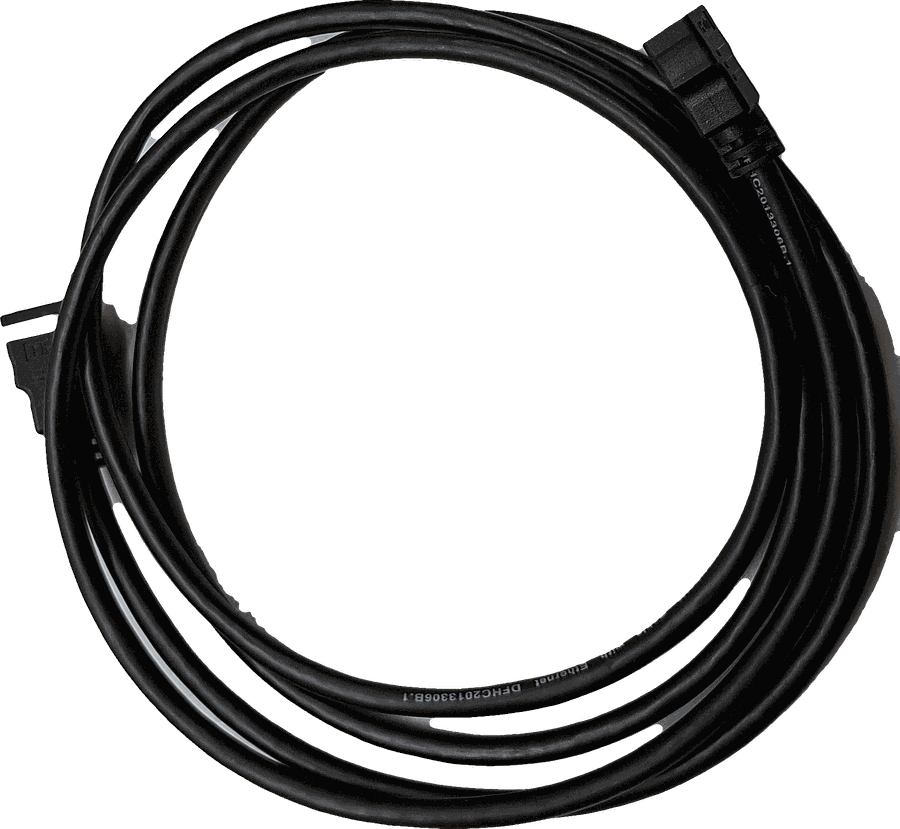
High speed HDMI cable included with the DigitalShul zmanim display kit
HDMI cableHigh-speed, 10 ft, included. The only other cable you need is the TV’s own.

Configured before it leaves us

Your shul’s coordinates, time zone, zmanim selection and template are loaded before the box is sealed. When it reaches you there is nothing to install and nothing to configure from scratch — you connect two cables, join the Wi-Fi from any phone, and we activate the screen from our side.

If a unit ever fails, we replace it. The only thing we charge for is getting the units back and forth.
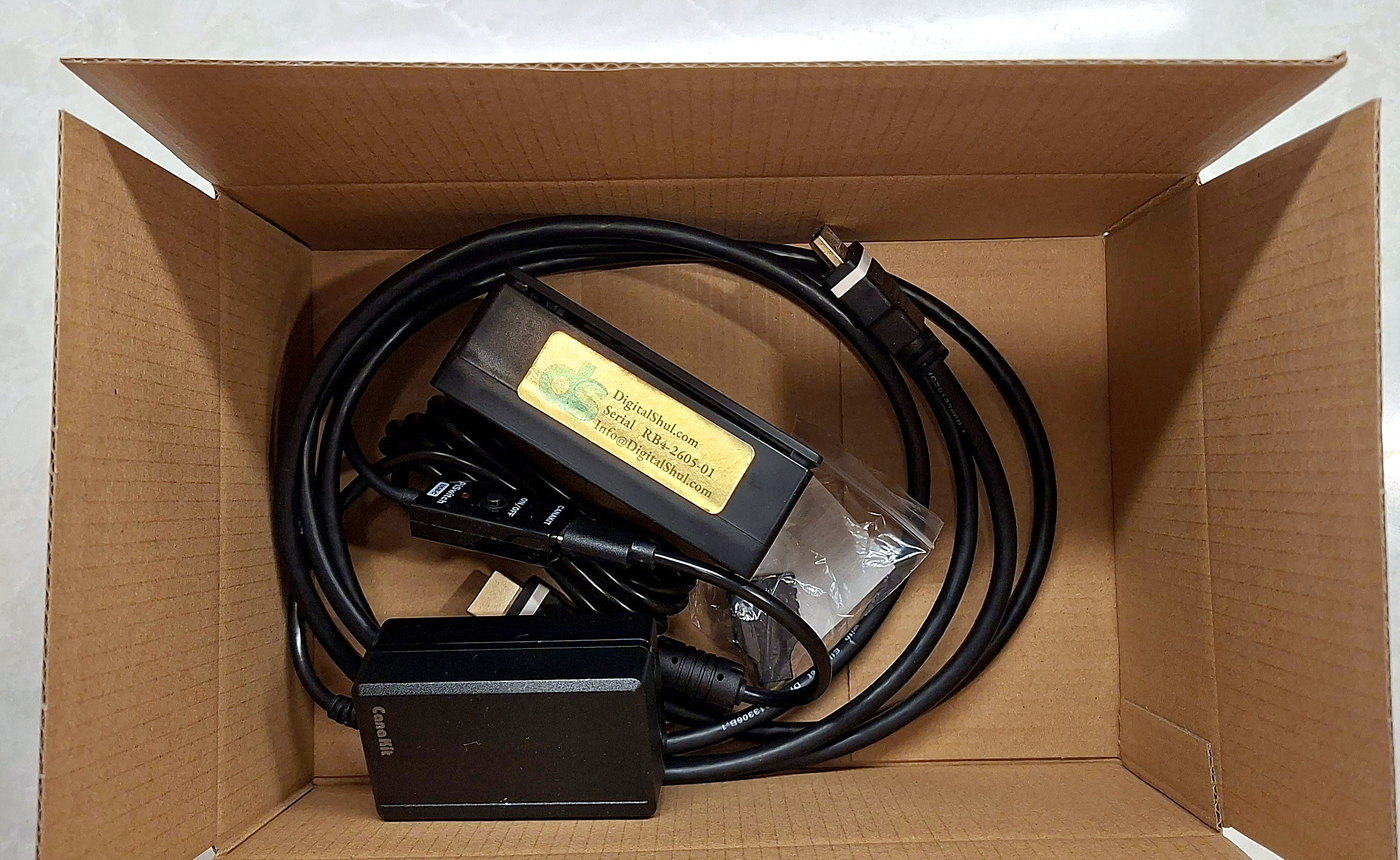
The complete DigitalShul kit packed in its shipping box: micro computer, power supply and HDMI cable

The complete kit, packed and ready to ship.
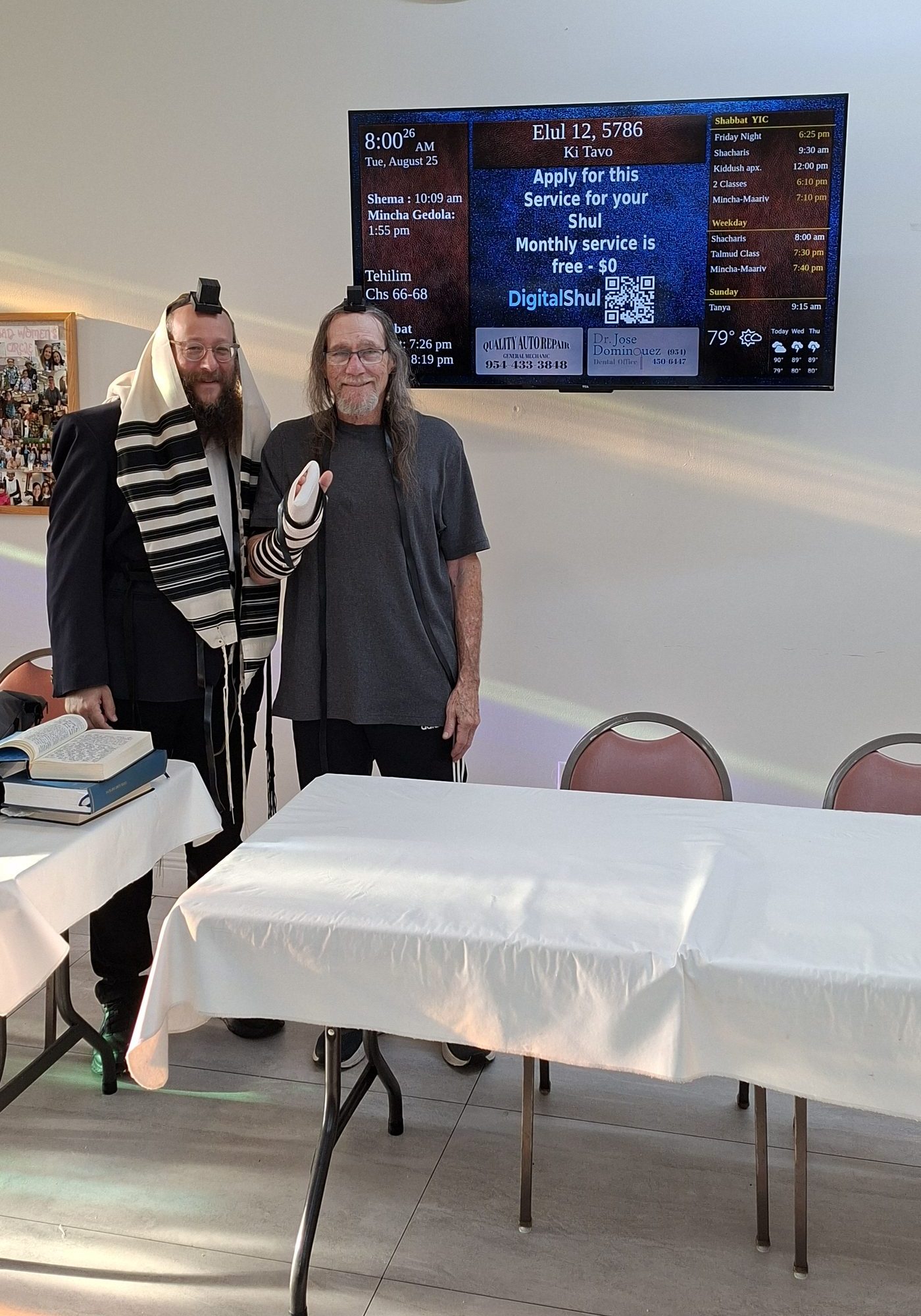
Rabbi and congregant in tallit and tefillin in front of the DigitalShul zmanim display

Powered by the Cloud

Halachic accuracy for your exact location

DigitalShul runs on Amazon Web Services, so your screen stays online and your data stays secure. Zmanim are calculated from your shul’s precise geographic coordinates — which is why the times on your screen are right for your building, not an approximation for your city.

Installation

Two cables, then five minutes on your phone

The physical part is HDMI to the TV and power to the wall. The rest is done from any smartphone: connect to the device, choose your shul’s Wi-Fi network, enter the password, pick your time zone and screen orientation, and save. The device restarts and shows an activation code, which you send to our support team — we activate the screen from our side.

We provide the full step-by-step guide, and our team is on the line with you while you do it.
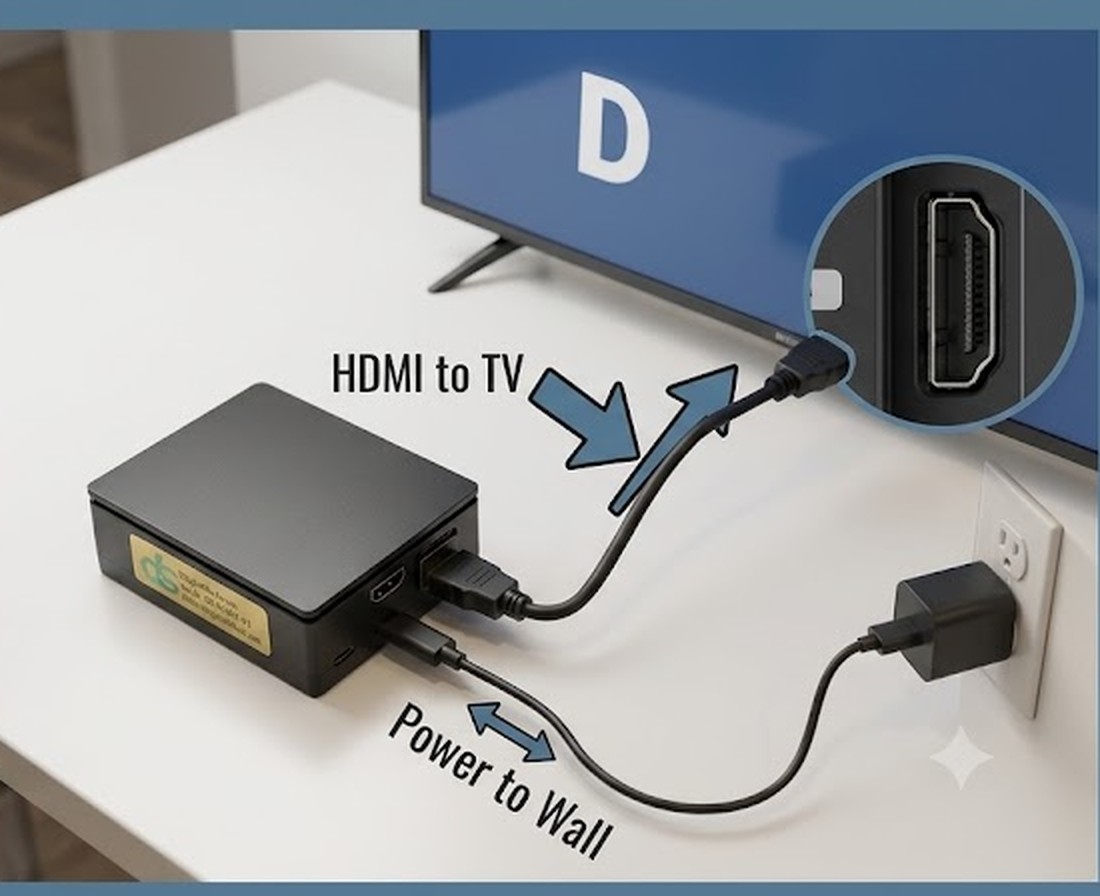
DigitalShul micro computer connected by HDMI to a synagogue TV and by power cable to a wall outlet

The complete physical installation.

On Screen

The anatomy of a zmanim display

Every screen is organized the same way, so anyone walking in finds what they need in a second.
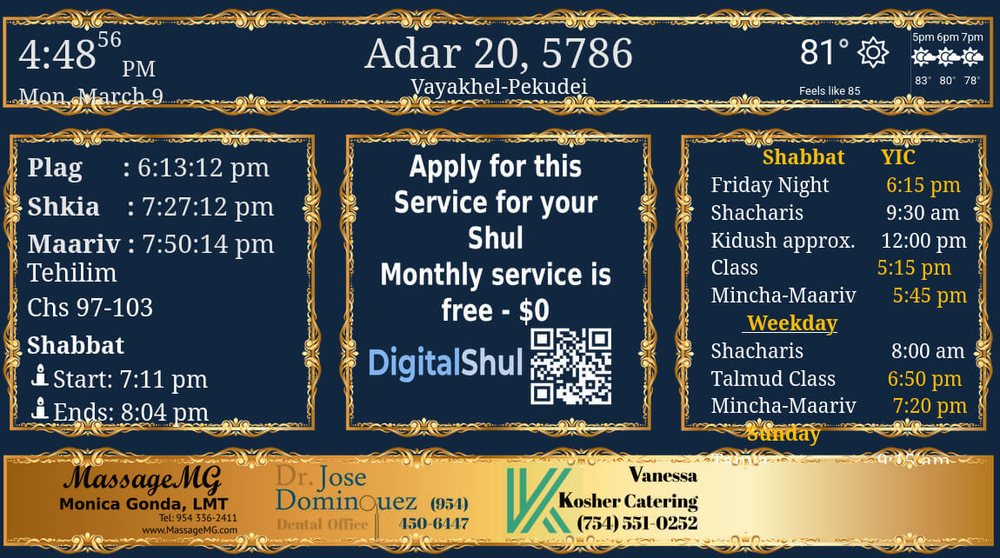
Anatomy of a synagogue zmanim display: prayer times, Hebrew date, weekly schedule and community advertising
01 · Left
Zmanim & atomic clock
Halachic times and an atomic clock set to your shul’s own time zone. Each shul decides which times it wants displayed here.
02 · Top
Hebrew calendar
The Hebrew date and the weekly parsha, updated automatically.
03 · Center
Institutional information
Content relevant to the geographic area your shul belongs to.
04 · Right
Your shul’s own content
Everything specific to your community, updated by you through our web Dashboard. A mobile app is in development.
05 · Bottom
Kosher advertising
Only businesses from within our community, matched to the geographic coverage that includes your shul.

See what this looks like on the free plan

Same technology, no monthly cost.

Explore the Free Plan