

The sign goes stale
Zmanim shift every single week. A printed sheet is wrong within days, and nobody notices until someone shows up at the wrong time.
Zmanim displays for shuls & kehilot
Most shuls still update zmanim by hand, on a sheet that’s out of date by the time anyone reads it. DigitalShul turns any TV into a smart synagogue display — a digital bulletin board with exact zmanim, minyan times and real-time announcements — free for your community.
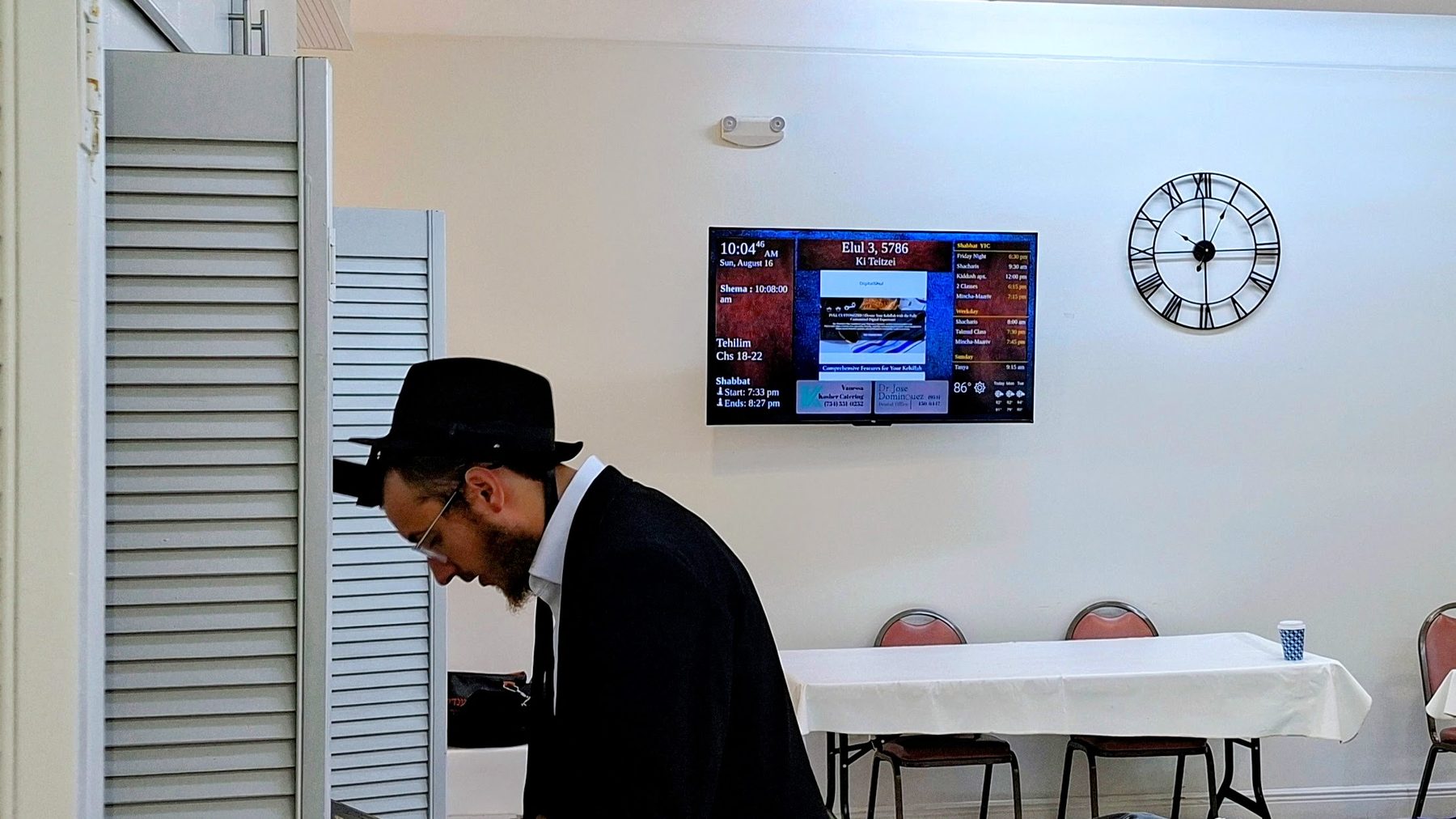
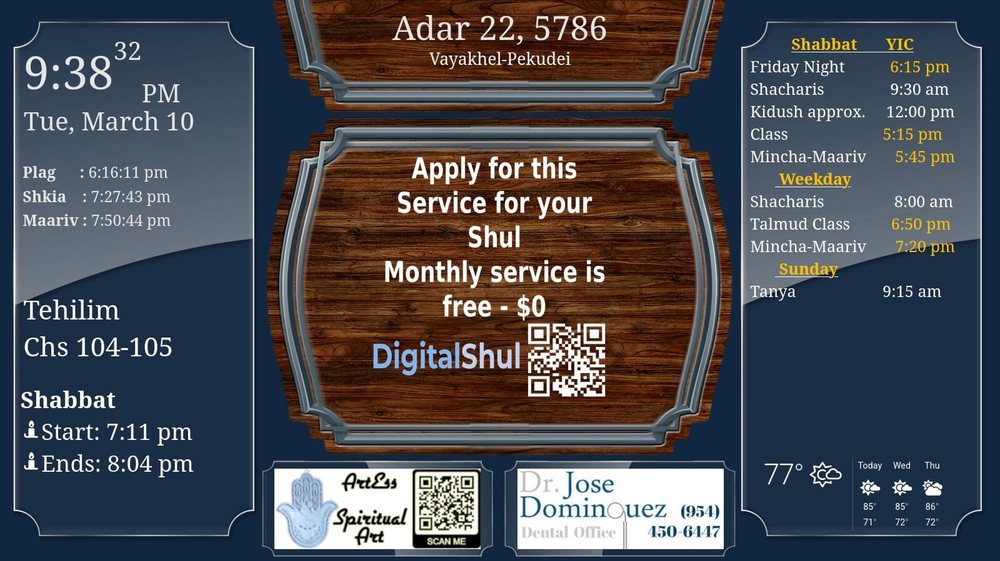
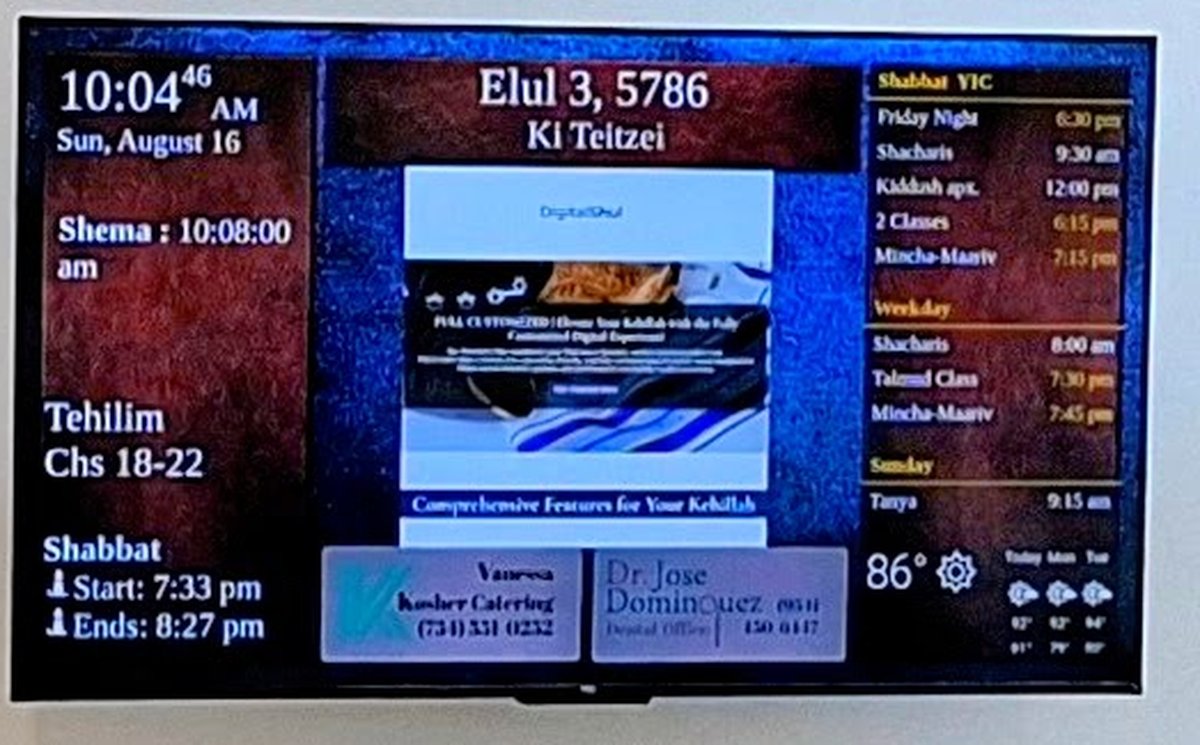
This is exactly what a DigitalShul screen shows, calculated live for the location above. On a real installation we use your shul’s own coordinates, so the times are exact rather than approximate — and the screen also carries your minyan schedule, announcements and the parsha.
Put this on your wallThe Problem
Somewhere in most shuls there is a sheet of paper with the week’s zmanim, taped to a wall. It was correct the day it was printed. Then Shabbat moved a few minutes, someone crossed out a time in pen — and the visitor who needed it most read the wrong hour and missed Mincha.
How it works today
How it could work
Zmanim shift every single week. A printed sheet is wrong within days, and nobody notices until someone shows up at the wrong time.
Reprinting signs is one more task in a week that’s already full — and a lobby full of taped paper doesn’t reflect the care your kehillah actually puts in.
A kehillah shouldn’t have to choose between looking current and respecting how things are done. Both are possible.
You shouldn’t be the one fixing this
Your time belongs with your community and your learning — not with a printer and a roll of tape. We handle the technology completely: the hardware, the zmanim calculations, the templates and the support afterwards — including a real person on WhatsApp while you connect the screen.
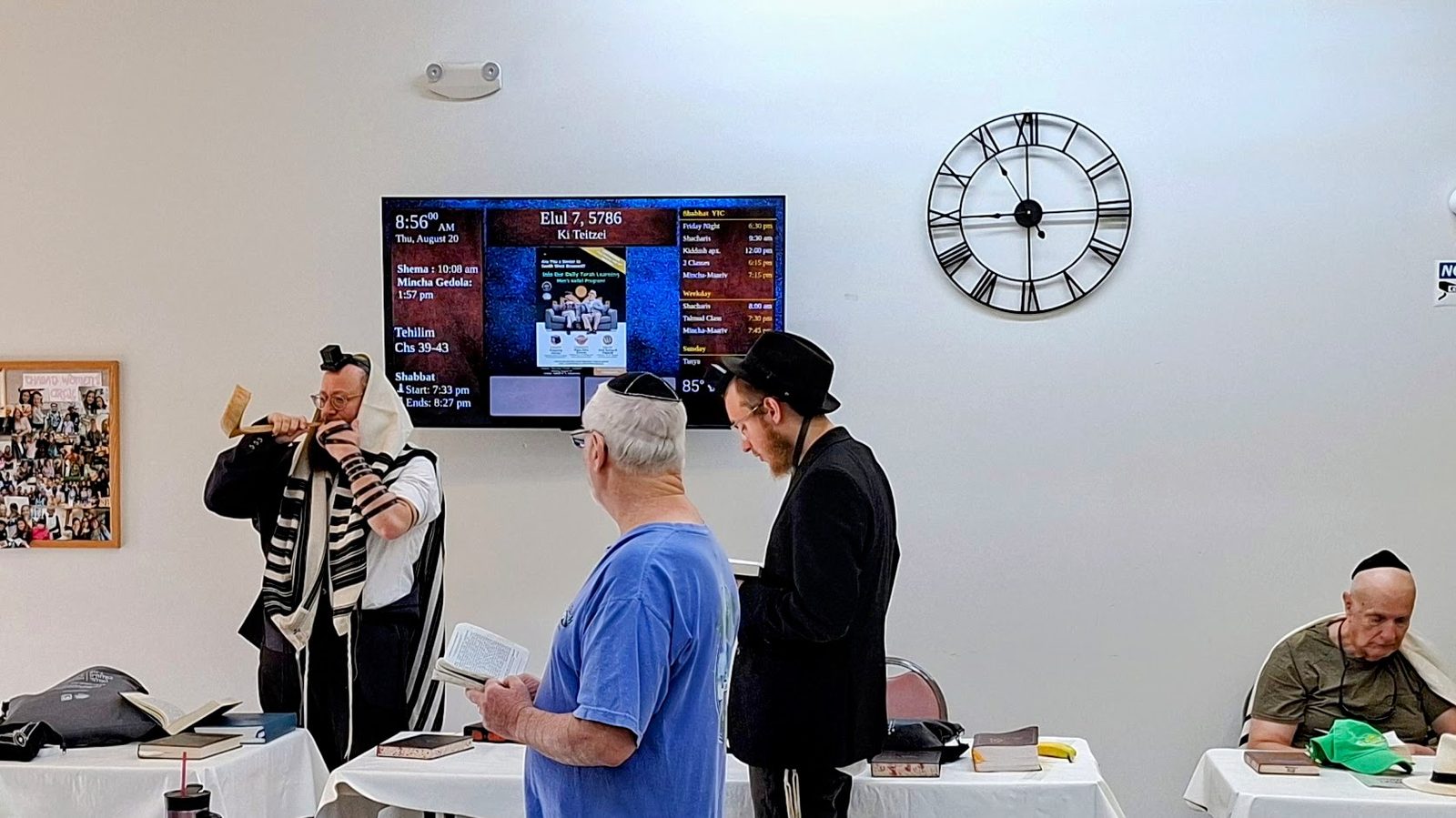
Screens in use during a service — the schedule visible to everyone, without a single printed sheet.
The Plan
No technical decisions on your side. No long project.
A two-minute form with your contact details and your shul’s location. That’s the whole commitment at this stage.
Which TV size, which connection, where to mount it. Shipping is a flat $10 in the USA, $30 international. We confirm everything with you before anything is ordered.
Your shul mounts the TV. We mail you the microcomputer, already configured, with step-by-step installation instructions: one HDMI cable, one power cable, then about 10 minutes to connect it to your shul’s internet. When you start, we’re with you live — by phone or on WhatsApp — until the screen is up. No IT expert needed: if you can connect a phone to Wi-Fi, you can do it.
No monthly fees. No fine print. A one-time $250 setup fee for the microcomputer, plus shipping: $10 within the USA, $30 international — and that’s it.
What’s Included
Running continuously from the moment we finish the install.
Shacharis, Mincha, Maariv and candle lighting, calculated from your shul’s exact coordinates — not an approximation for your city.
Events, the weekly parsha and Shabbat notices, updated by your own team through our web Dashboard. And every member can carry the zmanim on their phone with our free DigitalShul app.
Rotating quotes and daily inspiration displayed between community updates.
Synchronized to the second, so every minyan begins exactly when it says it does.
Hebrew date, parsha, Shabbat start and end times, and local weather.
Local Jewish businesses only — kosher caterers, community professionals, nothing from outside the kehillah.
What Changes
Without a zmanim display
With DigitalShul
Full Transparency

On the free plan, the footer of the screen carries advertising from local Jewish businesses — kosher caterers, community professionals, local organizations. Exactly what you see here, and nothing from outside the community.
That advertising is what makes the service free. If you’d rather have none of it, the Fully Customized plan removes it entirely.
Community Story
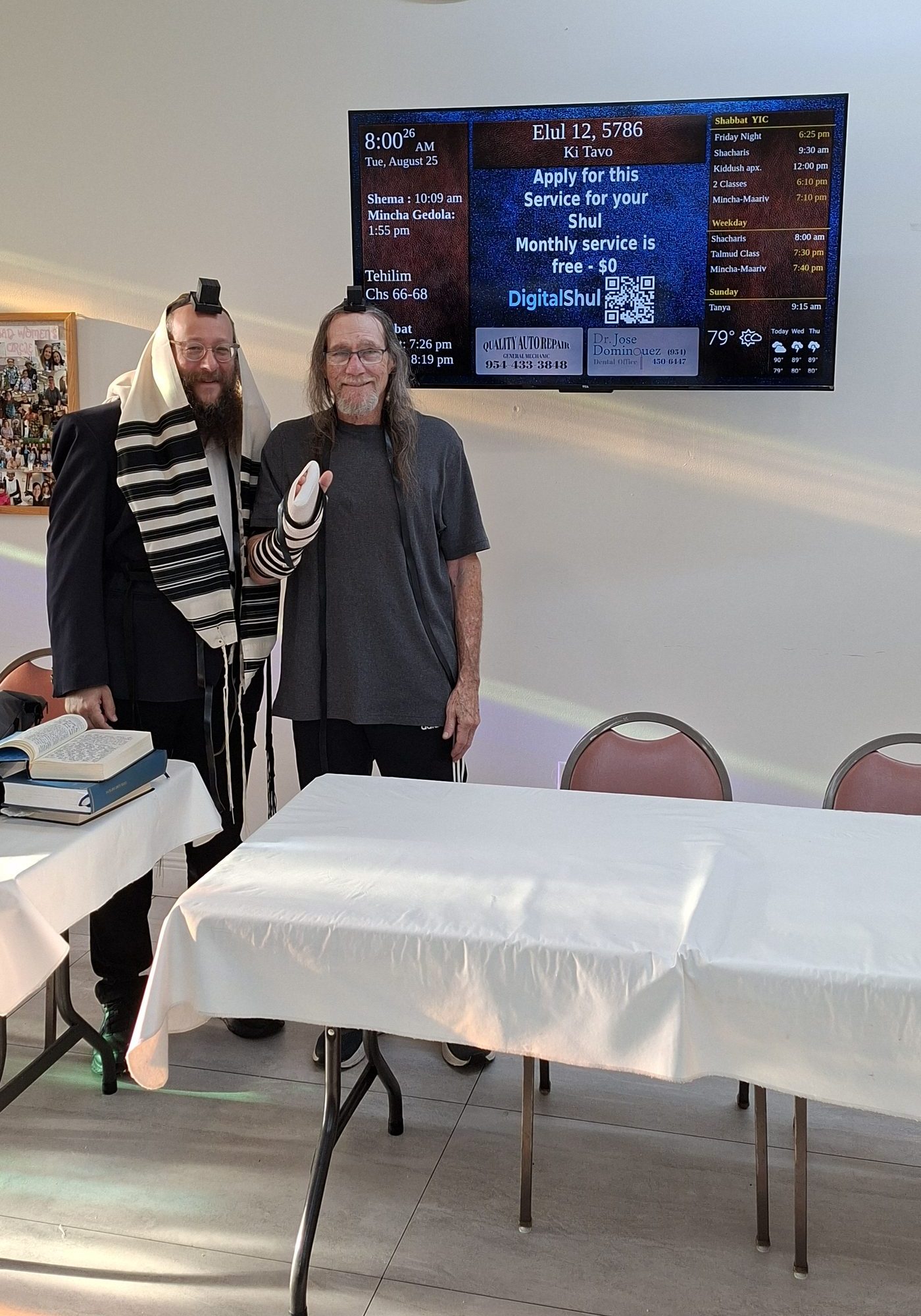
A growing kehillah brought precision timing and clearer communication to daily minyanim — without adding a single task for anyone on staff.
Read Their Story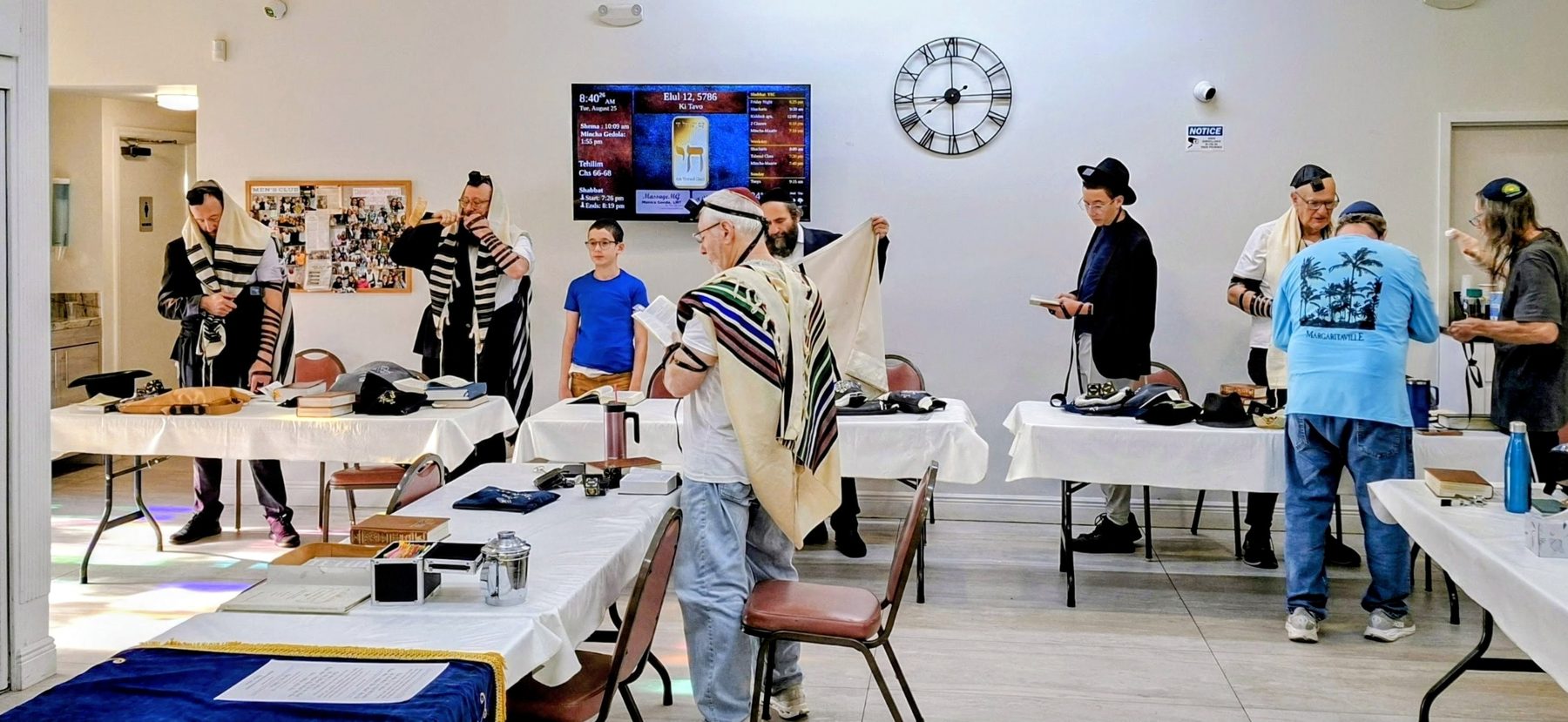
Why We Built This
DigitalShul is part of International Business Link, Corp., a Florida company with more than 26 years providing consulting and technology services across the United States and Latin America — the same group behind PBX.pa. So the screen in your lobby is supported by a company that has been looking after its clients for over two decades.
“DigitalShul isn’t only a commercial venture. It started as a way of giving back to the community what I have received from my own congregation over these last years.”
Ricardo Gonda · Founder, DigitalShul

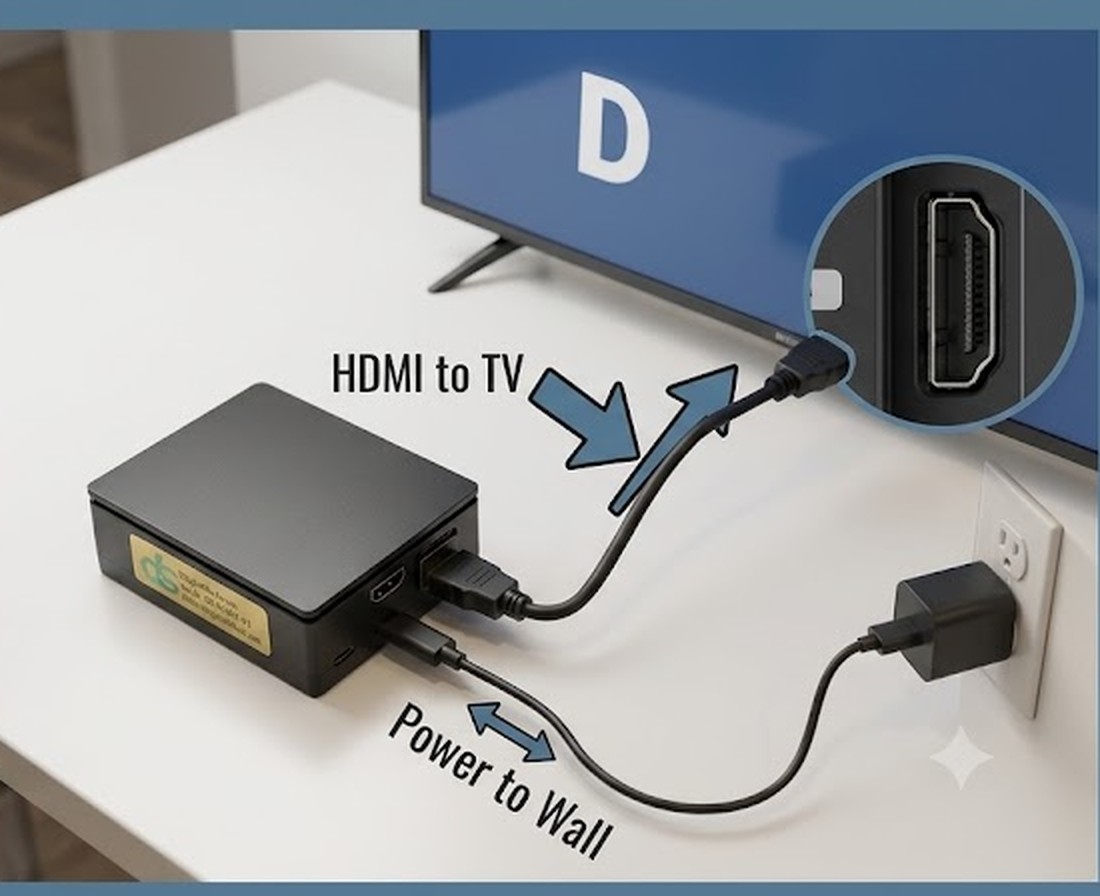
The entire physical installation: one HDMI cable to the TV, one power cable to the wall.
Installation
The micro computer connects to your TV with a single HDMI cable and plugs into a standard outlet. From there, you connect it to your shul’s Wi-Fi from any phone, following our step-by-step guide — select your network, enter the password, choose your time zone. Then you send us the activation code shown on screen and we turn it on remotely.
No technician, no wiring, no configuration on your network. If your shul already has internet that people use, it is enough.
See It Working
Two minutes on how the screen is installed and what your community sees every day.
Plans
Both include the same hardware, the same setup and the same 24/6 support.
Free — Most Popular
One $250 setup fee + $10 shipping (USA) · no monthly cost, ever
Fully Customized
$36/month for your first 6 months · same $250 setup + $10 shipping (USA)
Exact zmanim, clear announcements, and no one updating a sign again.
Reserve Your Free Screen